Incident response
When an attack is under way, we help stop it, preserve the evidence and understand what happened: how the intruder got in, what they did and which data was affected.
- 02:14RDP sign-in from an external address with a contractor’s accountAccess
- 02:31A tool that dumps passwords from memory is launchedCredentials
- 03:05Connection to the file server and archiving of foldersCollection
- 03:40The archive is sent to an external addressExfiltration
- 04:12Logs on the server are wipedEvasion
Entry point found, account blocked, affected data identified
What we investigate
- Ransomware
- Stopping the spread, finding the entry point, assessing whether data can be recovered.
- Data leaks
- Which data left, through which channel and who had access to it.
- Mail compromise
- Hijacked mailboxes, fraudulent emails in the company’s name, swapped payment details.
- Server compromise
- Web shells, miners, backdoors and persistence in the system.
- Insider incidents
- Checking suspicions about employee actions while preserving the evidence.
Photographs
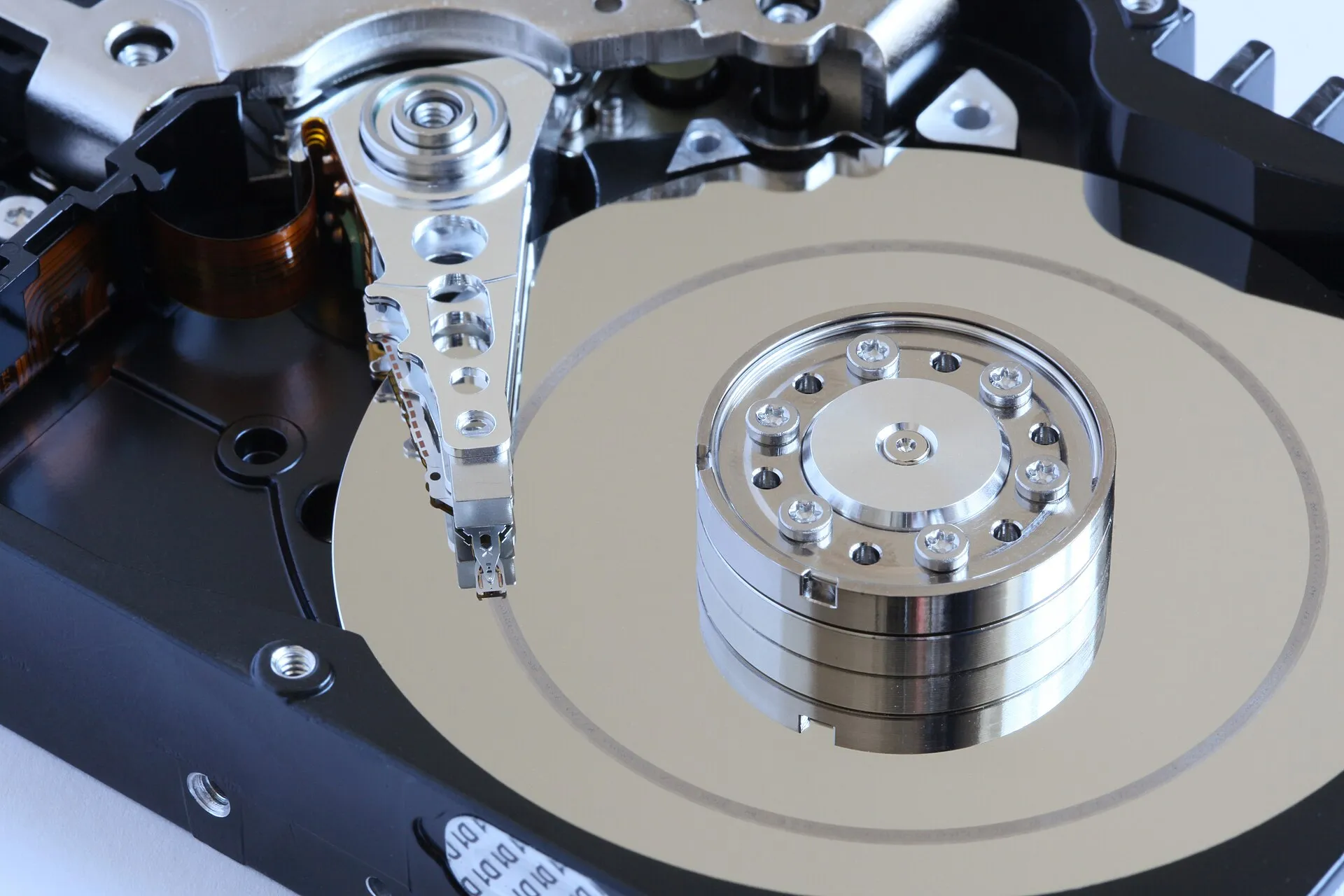
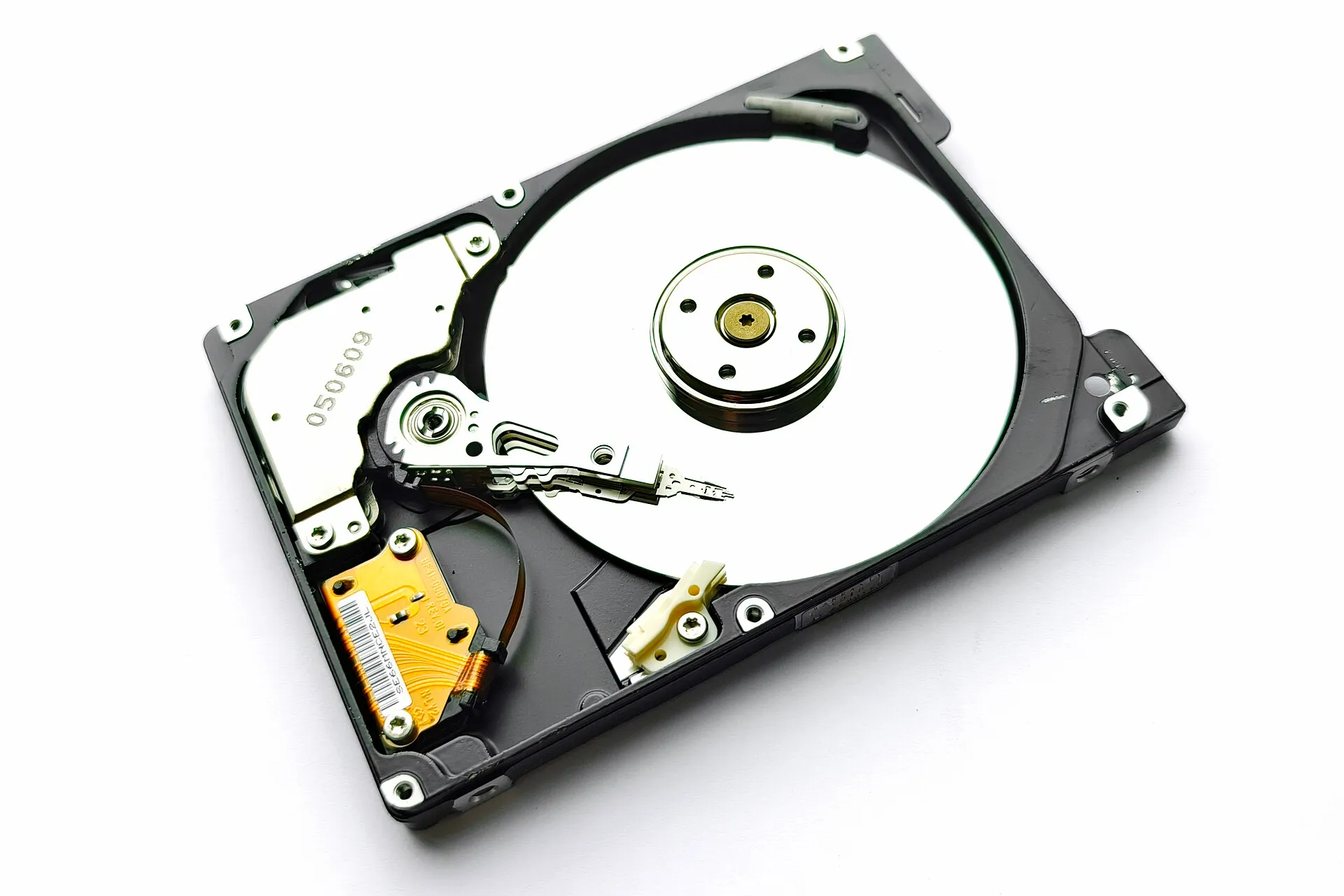
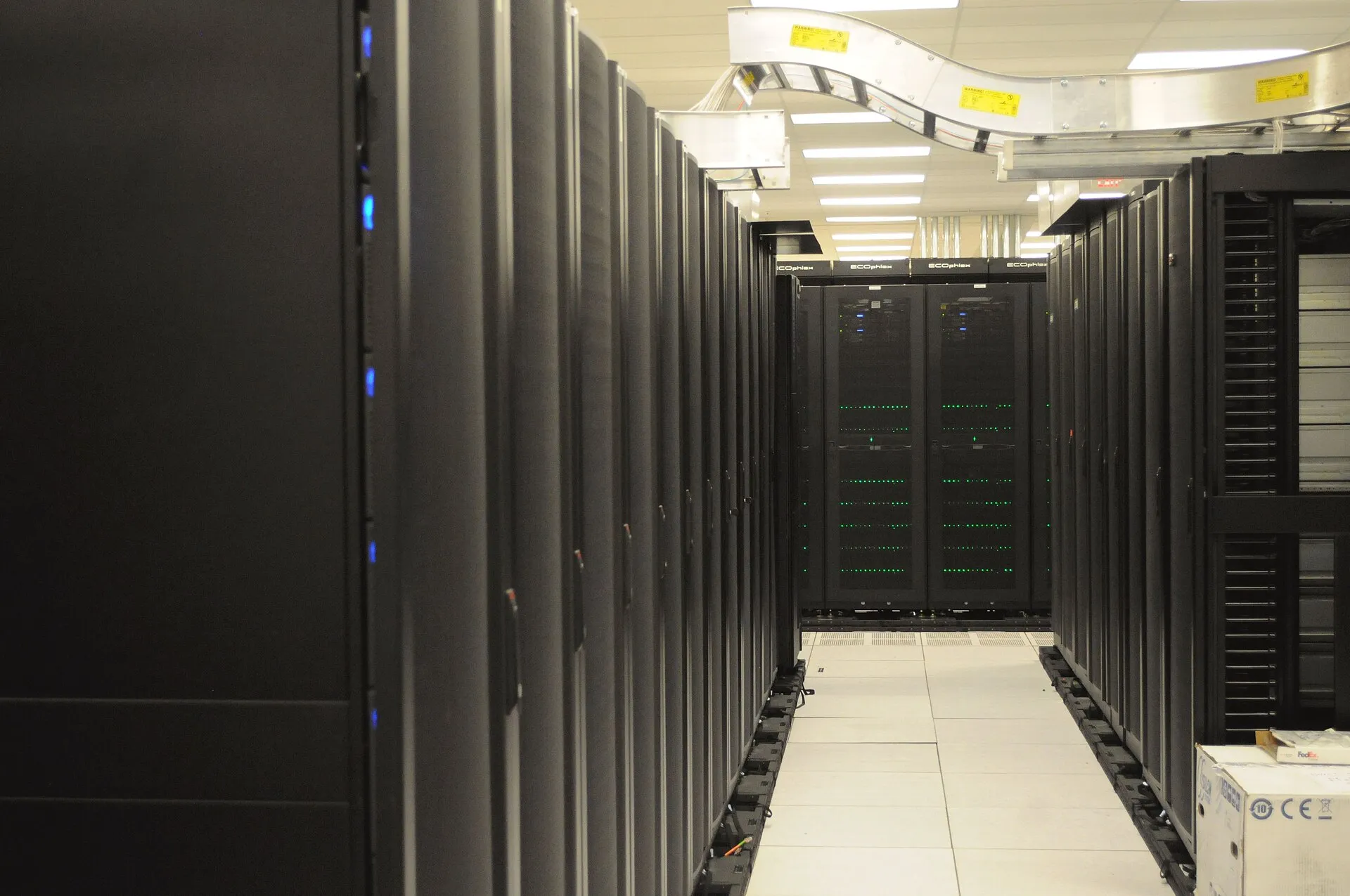
Photos: Alchemist-hp, CC BY-SA 3.0; Mk2010, CC BY 4.0; Ingo Dierking, CC BY-SA 4.0; Derrick Coetzee, CC0, Wikimedia Commons.
Formats
Emergency response
We connect remotely after your call and an access agreement, and come on site if needed.
Retrospective
We analyse an incident that is already over from saved logs, disk and memory images.
Retainer
A contract signed in advance: a response plan, contacts, access and drills. When an attack comes, no time goes on approvals.
How an investigation goes
- 01
Containment
We isolate affected hosts and accounts in a way that preserves the traces.
- 02
Evidence
We take disk and memory images, export logs and record checksums.
- 03
Analysis
We rebuild the timeline: entry point, lateral movement, persistence and data exfiltration.
- 04
Recovery
We remove backdoors, change compromised passwords and keys and bring systems back into service.
- 05
Report
We prepare a management report, a technical report and measures against a repeat of the attack.
What you get
- An attack timeline tied to evidence.
- A list of affected systems, accounts and data.
- Indicators of compromise for your security tools.
- Materials for management, lawyers and the insurer.
- Recommendations that close the attack path.
Questions
Ask your own questionWhat should we do before the specialists connect?
Do not shut down or reinstall affected computers: traces of the attack remain in memory. Disconnect them from the network, keep the logs and do not enter passwords on infected machines.
Can the results be used in court?
We collect evidence with checksums and record who handled it and when. Requirements for a forensic examination for court are agreed with your lawyers.
Does Dozor help with the investigation?
If Dozor already runs in your company, the timeline is built from its events and agent queries. If not, we deploy agents for the time of the investigation to collect data from hosts.
Discuss your task
Describe the task and the timeline. We will reply, clarify the scope and propose a plan.
- Contract. We start with a contract and a non-disclosure agreement. The scope of work and the permissions are put in writing.
- Scope. Goals, systems, timing and emergency contacts are agreed before the work starts.
- Work. We keep you updated as the work goes and report critical findings at once.
- Report. We hand over a management report and a technical report with evidence and recommendations.
Or write to us: info@dozorsecurity.kz